People GPS for Teens
Find your direction. Get your people.
The same four directions, built for school, friends, team and family. Ages 16–17 can join when a parent or guardian knows. Under 16? A parent or guardian can add you to their family map.
Take the quizHow to add your child to your map
- Sign in and open Home, where your map lives.
- Tap Add a person and keep Family selected.
- For a child under 16, choose Under 16 in Age group and enter their First name. No last name, email, photo or birthday.
- Tap Add to my family. You add them; they don't need an account.
- Teens 16 or 17 can sign up themselves and tick: A parent or guardian knows I'm using People GPS.


North
Fast Lane
Driven and quick. Loves to win and to lead. Give them the goal and let them choose how.


East
Joyride
Fun and social. Loves new things and big ideas. Give them the bold print, said once, with energy.
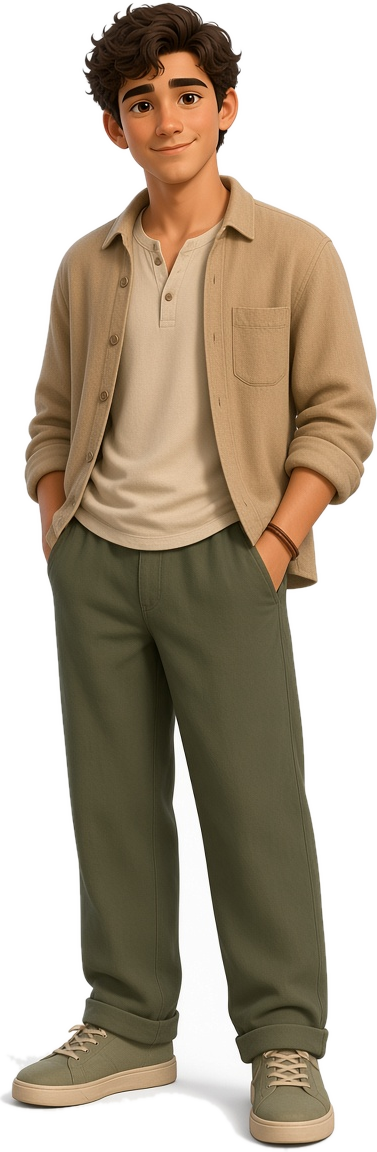

South
Cruise Control
Kind and steady. Looks out for everyone. Give them time and let them know they matter.
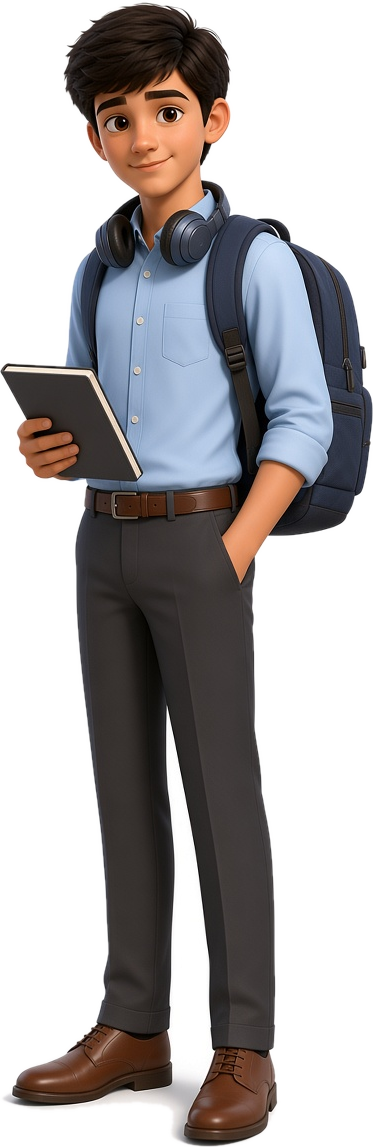

West
Route Planner
Careful and smart. Loves a plan and the facts. Give them details and time to think.
Use it with
- Friends
Spot their direction, then talk their way.
- Coaches and teachers
Spot their direction, then talk their way.
- Parents
Spot their direction, then talk their way.
Ages 16–17 can join with a parent or guardian knowing. Under-16s are added to a family map by a parent or guardian.
See Lesson 1