
People GPS Kids
Every direction is a good direction.
Kids learn the four directions and how different ways make a great team.
How to add your child to your map
- Sign in and open Home, where your map lives.
- Tap Add a person and keep Family selected.
- For a child under 16, choose Under 16 in Age group and enter their First name. No last name, email, photo or birthday.
- Tap Add to my family. You add them; they don't need an account.
- Teens 16 or 17 can sign up themselves and tick: A parent or guardian knows I'm using People GPS.


North
Fast Lane
Fast, brave, and loves a challenge.


East
Joyride
Fun, silly, and loves friends.


South
Cruise Control
Kind, steady, and takes care of everyone.
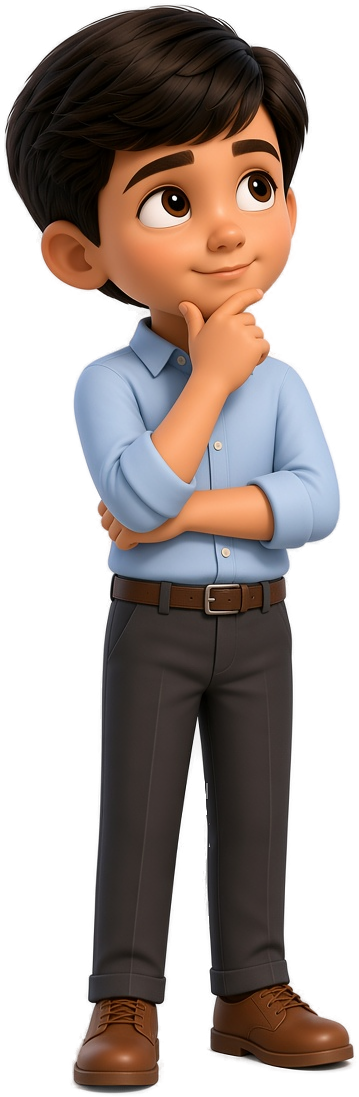

West
Route Planner
Careful, smart, and loves a plan.
Talk it over
Which way are you? Which way is your grown-up? Talk it over together.
For grown-ups
Made for ages 7 to 9. Grown-ups, take the quiz first, then share the four directions with your kids.
Take the quiz